
When it comes to crafting an exquisite WordPress site, the importance of within-page section colors cannot be overstated. Colors set the mood, guide the visitor’s eye, and help convey your brand’s essence. Yet, with countless color palettes at our fingertips, how does one select the most impactful hues? Let’s delve into the art and science of customizing your page section colors in WordPress.
Understanding the Psychological Impact of Color
Color psychology plays a pivotal role in human behavior. For instance, blue often evokes feelings of trust and security, while red incites excitement and urgency. Consider the emotional response you wish to elicit from your visitors. Are you aiming to create a serene atmosphere, or do you want to energize your audience? Understanding these nuances will significantly influence your decisions regarding within-page section colors.
Choosing a Cohesive Palette
The key to a stunning website lies in a well-thought-out color palette. Utilizing tools like Adobe Color or Coolors can facilitate the selection process. Where possible, opt for a primary color accompanied by one or two complementary colors. This approach ensures visual harmony and prevents a jarring experience. Keeping your palette cohesive across each section of your site will establish a sense of continuity and professionalism.
Using WordPress Customization Options
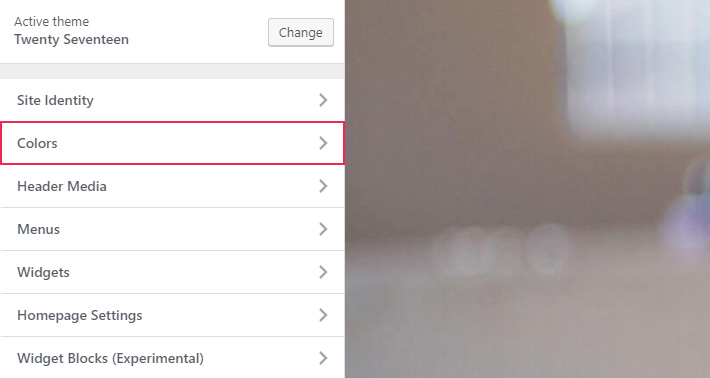
Today’s WordPress themes often come equipped with robust customization options. Within the WordPress Customizer, you can easily modify section colors to suit your chosen palette. Navigate to Appearance > Customize, then explore the Colors section. You’ll be astonished by how effortlessly you can adjust header colors, background shades, and typography hues. Each adjustment opens the door to a plethora of design possibilities.
Testing Responsiveness and Accessibility
Once you’ve chosen your colors, it’s imperative to test their responsiveness across different devices. Are the colors easily distinguishable on mobile screens? Additionally, consider accessibility standards. Tools exist to check color contrast ratios to ensure text remains legible for all users, including those with visual impairments. Striving for inclusive design elevates your website’s professional stature.
Final Touches: Consistent Branding
Your website is a reflection of your brand, hence consistency is crucial. Ensure that the color choices align with your overall branding strategy. Uniformity in colors across social media platforms, email marketing, and your website fosters familiarity and builds trust with your audience. After all, your color scheme is not just about aesthetics; it’s about delivering a coherent narrative to your visitors.
In conclusion, manipulating within-page section colors is an art—one that necessitates introspection, creativity, and strategic thought. Armed with this knowledge, approach your color choices with confidence, turning every page into a masterpiece that resonates with your audience.
When it comes to crafting an exquisite WordPress site, the importance of within-page section colors cannot be overstated. Colors set the mood, guide the visitor’s eye, and help convey your brand’s essence. Yet, with countless color palettes at our fingertips, how does one select the most impactful hues? Let’s delve into the art and science of customizing your page section colors in WordPress.
Understanding the Psychological Impact of Color
Color psychology plays a pivotal role in human behavior. For instance, blue often evokes feelings of trust and security, while red incites excitement and urgency. Consider the emotional response you wish to elicit from your visitors. Are you aiming to create a serene atmosphere, or do you want to energize your audience? Understanding these nuances will significantly influence your decisions regarding within-page section colors.
Choosing a Cohesive Palette
The key to a stunning website lies in a well-thought-out color palette. Utilizing tools like Adobe Color or Coolors can facilitate the selection process. Where possible, opt for a primary color accompanied by one or two complementary colors. This approach ensures visual harmony and prevents a jarring experience. Keeping your palette cohesive across each section of your site will establish a sense of continuity and professionalism.
Using WordPress Customization Options
Today’s WordPress themes often come equipped with robust customization options. Within the WordPress Customizer, you can easily modify section colors to suit your chosen palette. Navigate to Appearance > Customize, then explore the Colors section. You’ll be astonished by how effortlessly you can adjust header colors, background shades, and typography hues. Each adjustment opens the door to a plethora of design possibilities.
Testing Responsiveness and Accessibility
Once you’ve chosen your colors, it’s imperative to test their responsiveness across different devices. Are the colors easily distinguishable on mobile screens? Additionally, consider accessibility standards. Tools exist to check color contrast ratios to ensure text remains legible for all users, including those with visual impairments. Striving for inclusive design elevates your website’s professional stature.
Final Touches: Consistent Branding
Your website is a reflection of your brand, hence consistency is crucial. Ensure that the color choices align with your overall branding strategy. Uniformity in colors across social media platforms, email marketing, and your website fosters familiarity and builds trust with your audience. After all, your color scheme is not just about aesthetics; it’s about delivering a coherent narrative to your visitors.
In conclusion, manipulating within-page section colors is an art—one that necessitates introspection, creativity, and strategic thought. Armed with this knowledge, approach your color choices with confidence, turning every page into a masterpiece that resonates with your audience.
If you are looking for Colors Settings overview – Documentation – WordPress.org you’ve visit to the right place. We have 10 Pictures about Colors Settings overview – Documentation – WordPress.org like Colors – TheGem WordPress WooCommerce Theme – Documentation, Colors – WordPress Themes & Website Templates from TemplateNB and also Colors – TheGem WordPress WooCommerce Theme – Documentation. Read more:
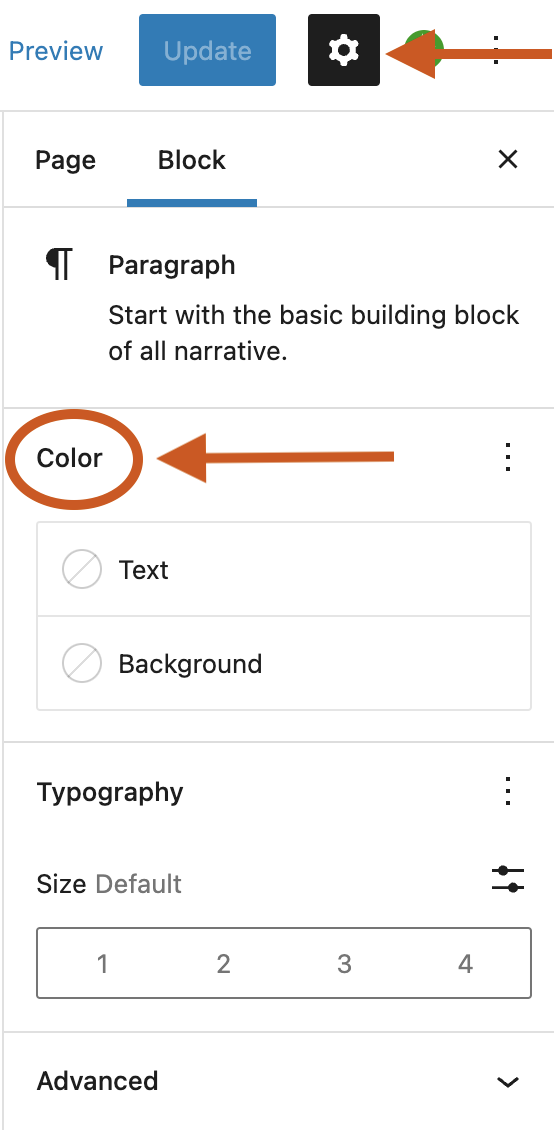
Colors Settings Overview – Documentation – WordPress.org
wordpress.org
Colors Settings overview – Documentation – WordPress.org
How To Customize Your WordPress Website Colors – Qode Interactive
qodeinteractive.com
How to Customize Your WordPress Website Colors – Qode Interactive
How To Customize WordPress Theme Colors

wpforms.com
How To Customize WordPress Theme Colors
How To Customize Your WordPress Website Colors – Qode Interactive
qodeinteractive.com
How to Customize Your WordPress Website Colors – Qode Interactive
How To Customize WordPress Theme Colors
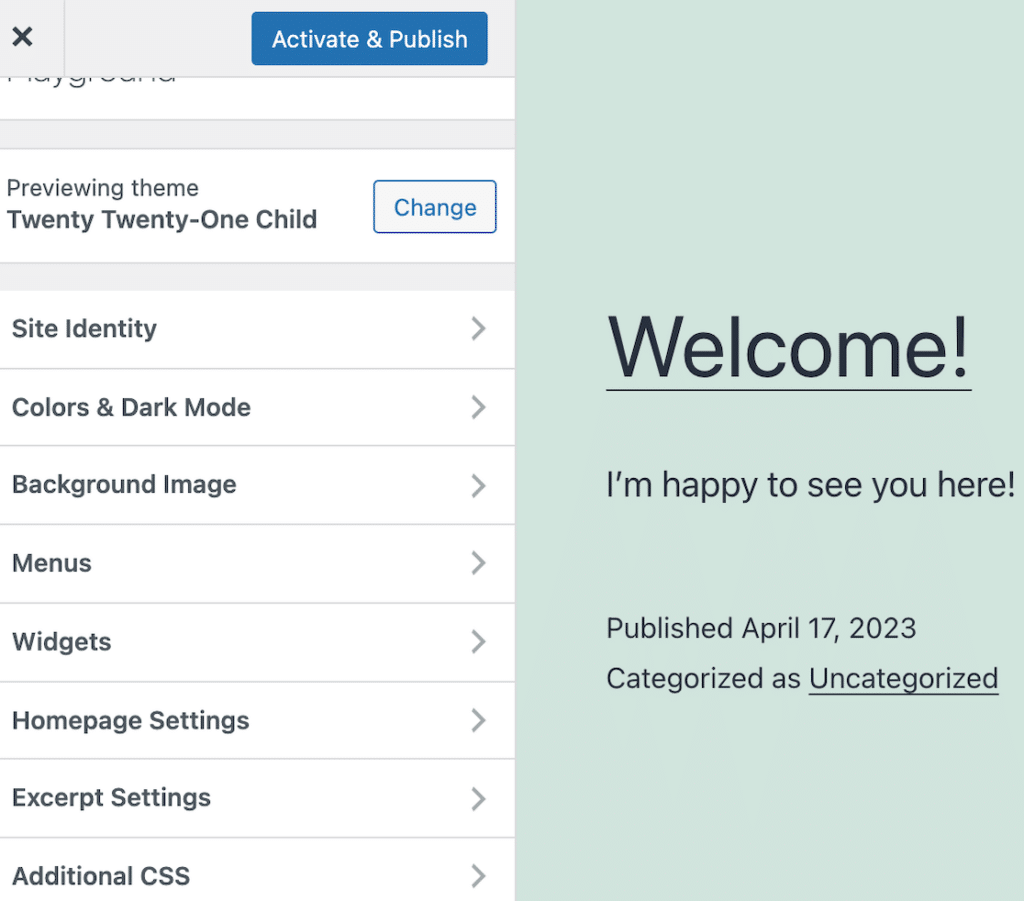
wpforms.com
How To Customize WordPress Theme Colors
Colors – TheGem WordPress WooCommerce Theme – Documentation
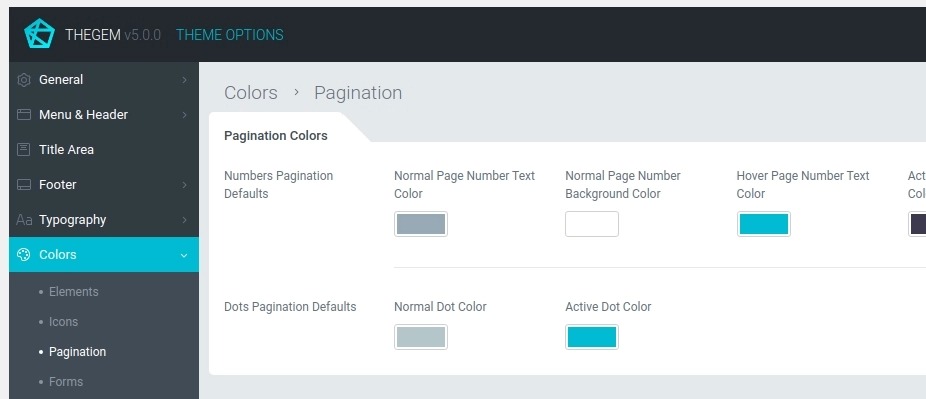
docs.codex-themes.com
Colors – TheGem WordPress WooCommerce Theme – Documentation
How To Customize WordPress Theme Colors
wpforms.com
How To Customize WordPress Theme Colors
WordPress Color Scheme » Blue » SchemeColor.com
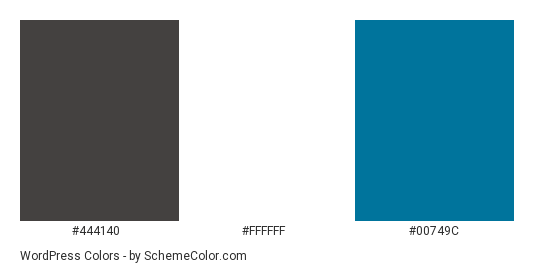
www.schemecolor.com
WordPress Color Scheme » Blue » SchemeColor.com
How To Customize WordPress Theme Colors
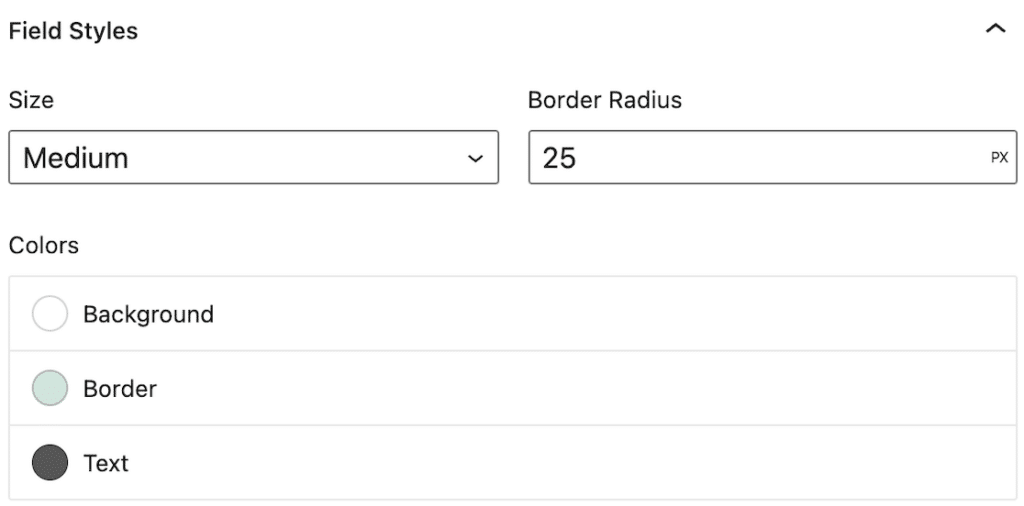
wpforms.com
How To Customize WordPress Theme Colors
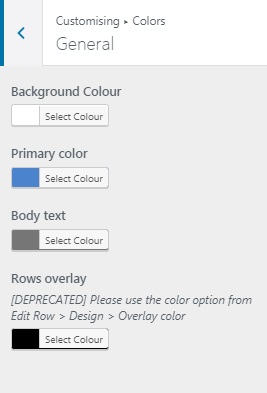
Colors – WordPress Themes & Website Templates From TemplateNB
templatenb.com
Colors – WordPress Themes & Website Templates from TemplateNB
How to customize your wordpress website colors. How to customize your wordpress website colors. How to customize wordpress theme colors